
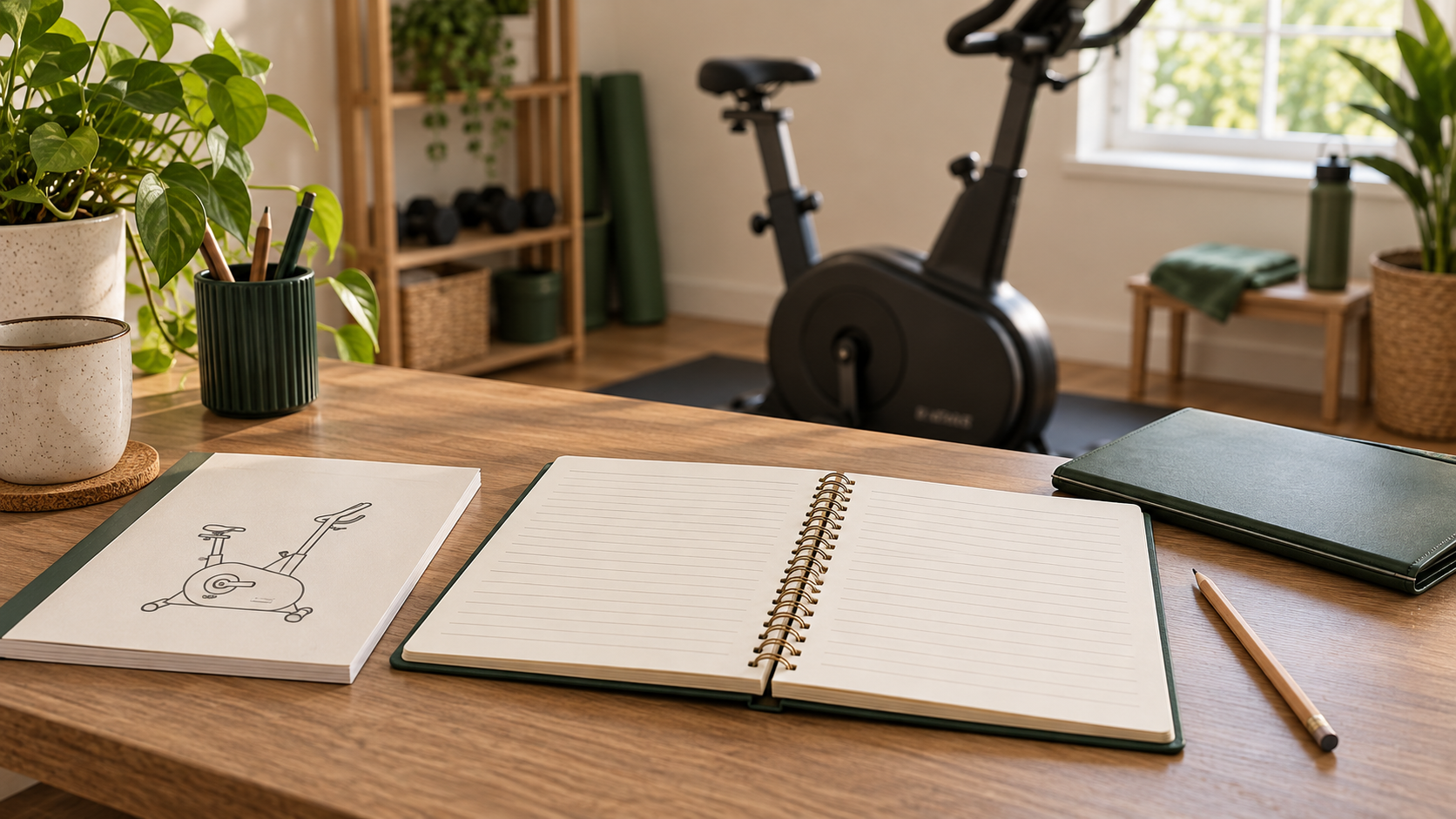
“I think we checked that last month” is not a very useful maintenance record. When several people share a home gym, even a small note can prevent confusion about what was done, which equipment needs attention and who is waiting for a reply from support.
A home gym maintenance log template records work; it does not tell you how to repair equipment or prove that it is safe. Use the instructions for your exact product to decide what checks are required, how often they are due and who is qualified to carry them out.
Start with the correct manual
Match the manufacturer, model and version before borrowing any maintenance advice. Two machines that look alike may have different parts, approved cleaning products or service requirements. Keep a link to the relevant manual with the equipment record.
Manufacturer guidance takes priority over a generic checklist. For example, Precor’s maintenance information directs users to the service manual for detailed procedures. Its commercial service information is not a universal schedule for every home-gym product.
If the manual is missing or unclear, ask the manufacturer for the right documentation. Do not fill the gap with guessed tightening, lubrication or electrical procedures.
Separate your inventory from your maintenance history
An inventory answers “What do we own?” A maintenance log answers “What happened to this item, and what remains to be done?” Use the home gym equipment inventory template for model information and storage locations, then give each item a simple reference such as Bike 01.
Using the same reference in both records helps avoid recording work against the wrong item. Keep personal receipts, serial numbers and support correspondence in private storage rather than a publicly shared spreadsheet.
A copyable maintenance record
Use one entry per task or reported issue. A notebook works if it is easy to find; a shared spreadsheet works if everyone knows which version is current.
Equipment reference/model: ______
Date: ______
Task or issue: ______
Manual section or support instruction: ______
Observed result: ______
Action taken: ______
Completed by: ______
Follow-up required: ______
Next due date or trigger from instructions: ______
Supporting record location: ______
Keep “observed result” separate from “action taken.” Noticing an issue and resolving it are different events. A note that support has been contacted should not look like a completed repair.
Use precise descriptions rather than “all good”
A useful entry says what was checked or completed under the relevant instructions. Avoid broad assurances such as “machine fully safe” unless an appropriately qualified person has actually made and documented that assessment.
For an unresolved issue, describe what was observed without diagnosing the cause. Note when it happened and any model information needed by support. Do not continue operating equipment simply to reproduce a potentially unsafe fault or obtain a better video.
If you notice damage, instability or another safety concern, stop using the affected equipment and follow the manufacturer’s instructions for taking it out of use. Keep other household members informed and arrange qualified help where required.
A fictional example of a useful record
Suppose a household cannot find the maintenance instructions for an exercise bike. One person records: “Correct manual requested from manufacturer; model reference provided; awaiting response.” The follow-up field names who will check the reply.
When the manual arrives, that person adds its location and reviews the required tasks. The original request remains in the history. The log does not convert “manual received” into “maintenance completed,” and nobody invents an interval before reading the instructions.
This example is about managing information, not diagnosing a bike or authorising its use.
Plan reminders from the manufacturer’s requirements
Do not assign the same monthly schedule to every item just because it makes the spreadsheet tidy. A requirement may depend on time, usage or a particular event. Copy the relevant trigger accurately and note the source.
If a qualified service provider completes work, keep the service record and any follow-up instructions. Ask about unclear findings instead of interpreting an invoice as confirmation that every possible issue has been checked.
A calendar reminder should point back to the task and its instructions. “Review Bike 01 task in manual section X” is more useful than an unexplained reminder saying “gym maintenance.”
Make shared responsibilities visible
Choose one place for the current log and agree who updates it. A person who reports an issue should be able to see whether it is awaiting advice, scheduled for service or resolved according to the relevant instructions.
Keep unresolved equipment clearly separate from items available for use. The exact method should follow the manufacturer’s guidance and the household’s needs; a spreadsheet entry alone may not warn someone who has not read it.
Good records also help when moving equipment. Pair them with the equipment delivery and access checklist, but do not assume a move leaves installation or maintenance requirements unchanged.
Review the record without rewriting history
Add a new dated entry when circumstances change. If an earlier note was inaccurate, correct it clearly rather than silently removing the evidence of what was reported. Keep completed work separate from planned work.
A short, accurate log is better than an elaborate checklist full of automatic ticks. Its purpose is to make instructions, observations and follow-up easy to find—not to replace professional judgement, product documentation or safe use.
Leave a Reply